
Importing conversion balances into Prosaic
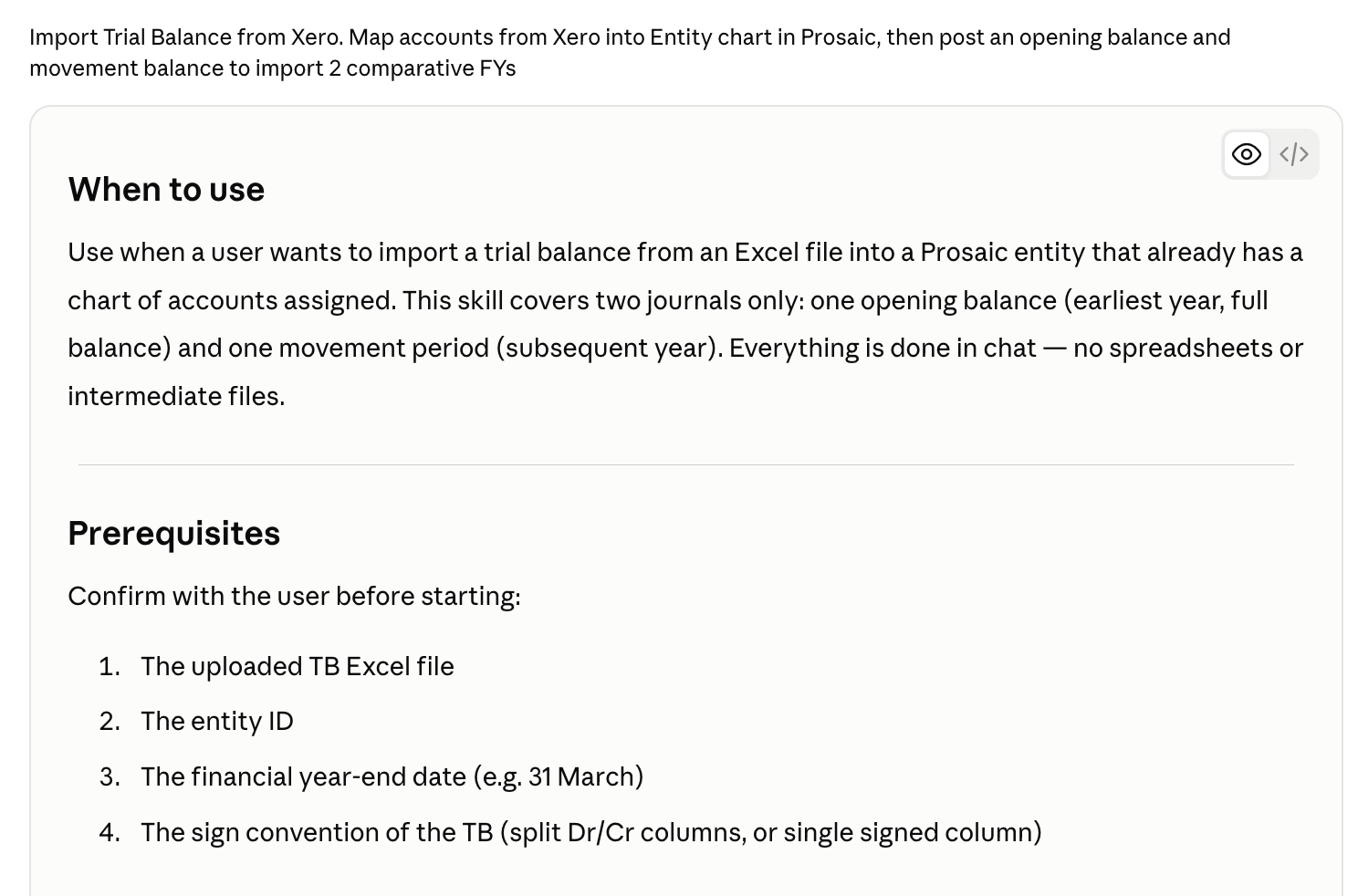
Once a client's chart of accounts is set up in Prosaic, the next job is getting their history in. This Claude skill takes a trial balance out of Xero and turns it into two journals: an opening position for the earlier year, and a movement journal for the following year. The result is two comparative financial years in Prosaic.
Unlike the chart template conversion, which you do once for the practice, this one runs per client.
Download the skill (1 file, about 4 KB).
In this article
- Before you start
- Installing it
- Using it
- You review the mapping
- Then two journals, one at a time
- Things worth knowing
Before you start
The entity needs to exist in Prosaic with a chart of accounts already assigned. If you haven't built the chart yet, do that first.
Build the chart template with the companion skill and this job gets much easier. When a template is converted from the same source chart, every Prosaic account keeps the original Xero or MYOB code as its mapped code. Claude can see those codes when it reads the entity's chart, so the trial balance lines already line up and the mapping step becomes a confirmation rather than a series of decisions. See Converting chart of accounts templates into Prosaic with Claude.
You'll also want:
- The trial balance as an Excel file, with a column per financial year.
- The entity's financial year-end date.
- To know whether the trial balance uses separate debit and credit columns or a single signed column. Claude will ask, and getting it wrong inverts the whole import.
Installing it
- Download the zip above and unzip it.
- In Claude, go to Settings → Capabilities → Skills and upload the
prosaic-tb-importfolder. - Make sure the Prosaic connector is enabled in your chat. See Connecting Prosaic to AI Assistants if you haven't set that up yet.
Using it
Attach the trial balance and say what you want:
Here's the two-year TB for Bright Property Ltd out of Xero. Import it into Prosaic, entity is Bright Property Ltd, 31 March year end.
Claude reads the file, pulls the entity's chart of accounts, and checks that each year's columns sum to zero before doing anything else. A trial balance that doesn't balance stops there, which is the right time to find out.
You review the mapping
Claude presents a table in chat showing which trial balance account maps to which Prosaic account. Consolidations and reclassifications are noted, and anything it can't match is flagged with a suggestion. Nothing is posted until you confirm.
This is the step that needs your judgement. Two Xero accounts folded into one Prosaic account is often right, but only you know whether it's right for this client.
Reply with any changes in plain language and Claude will re-present the mapping.
Then two journals, one at a time
Journal 1: opening position
The full balance for every account as at the earlier year end. Accounts that net to zero are skipped.
Journal 2: movement
For the following year:
- Profit and loss accounts get their full balance for the year.
- Balance sheet accounts get the movement only, this year less prior year.
- Retained earnings is left out entirely, because it rolls automatically.
Both journals are created as drafts. Claude creates the first, gives you the journal ID, and waits while you check it against the trial balance report in Prosaic before building the second.
Take that pause seriously. It's much easier to catch a mapping problem after one journal than after two, and a correction means replacing a draft rather than editing it.
Once the movement journal is in, check that retained earnings in Prosaic matches the source trial balance. If it does, the import is clean.
Both journals are posted with no GST, and each line carries the source code and name in its description, so you can trace any figure back to the original trial balance later.
Things worth knowing
Nothing posts automatically
Every journal is a draft. You review and post it in the app. See Manual Journals for how posting works.
Corrections mean a new draft
If a journal needs fixing, Claude creates a replacement draft and you delete the old one in the app. Journals can't be edited or deleted over the connector.
Everything happens in chat
There are no intermediate spreadsheets to manage or send back and forth. The mapping and the confirmation both happen in the conversation.
Two years, not more
This skill handles one opening balance plus one movement year. If you only need a single opening position, use the opening balance import skill instead.
Where this sits in a conversion: build the chart template once for the practice, apply it to the entity and adjust for the client, then import the trial balance. The full sequence is in Migrating a client from Xero to Prosaic.
Need help?
If an import doesn't tie back to the source trial balance, don't post over the top of it. Use the 💬 button in the app or email help@prosaic.works.