
My bank accounts are not showing in Prosaic?
Bank accounts not showing or appear disconnected?
If you’ve connected your bank but can’t see any accounts in Prosaic, it’s usually one of these:
- The final “save/confirm connection” step in Akahu wasn’t completed
- Your accounts have disconnected via your bank provider
You may also need to upgrade to official Open Banking connections. Read here to learn more
How to fix this

- Sign in to Prosaic https://app.prosaic.works/
- From your dashboard, click Manage bank accounts
- Log in to Akahu
- Check your accounts are available/connected
- If they are, you click Confirm connections
You’ll be returned to Prosaic — your accounts should now appear.
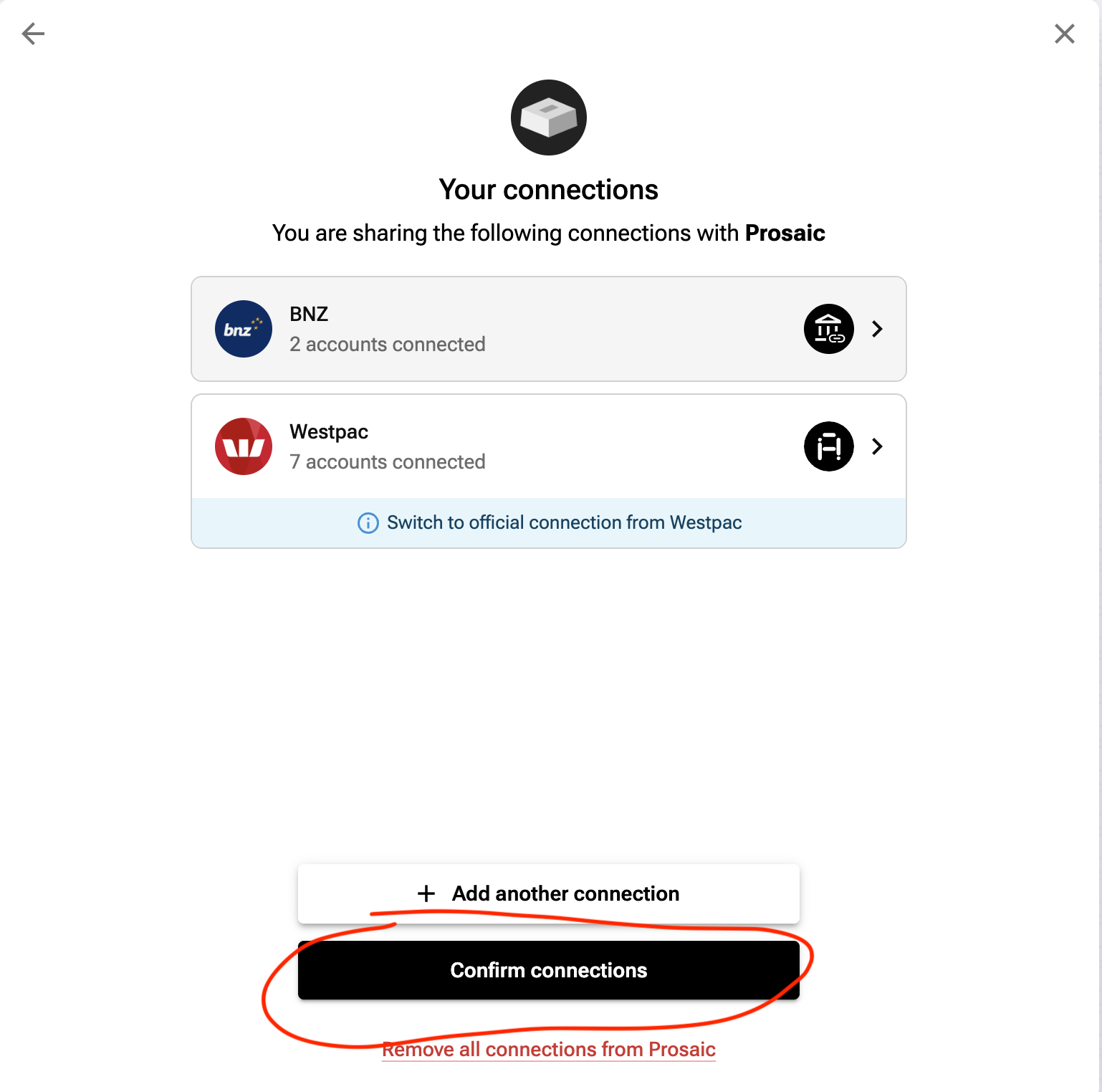
Its very important you click Confirm Connections and redirect to Prosaic. This will establish or reestablish your bank connections